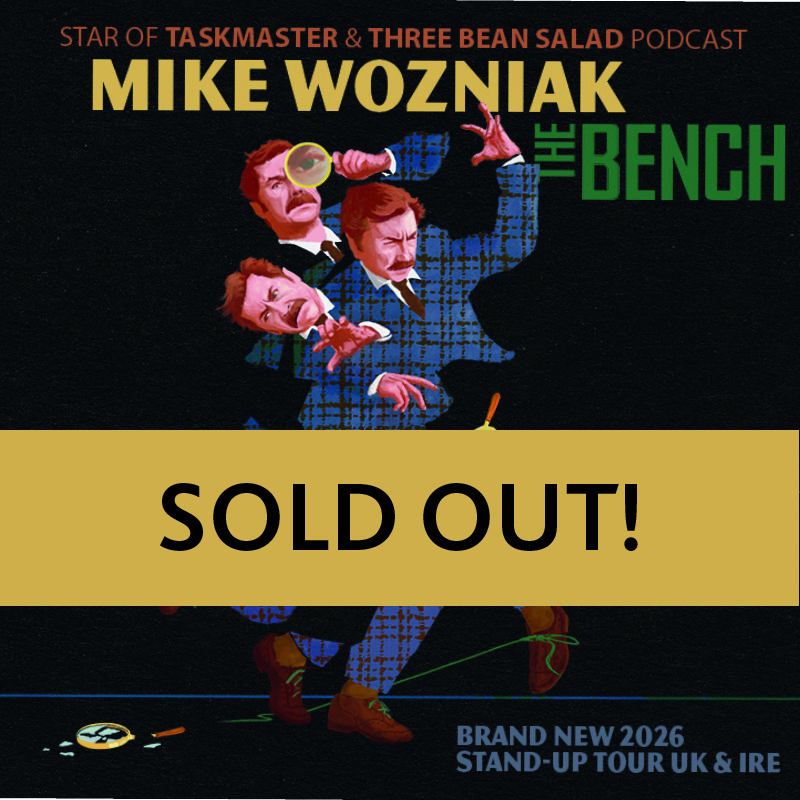


This page uses a ‘Landing Page-style links’ block to recreate our Featured Events blocks. They are responsive like the current solution, but don’t look quite as manicured because of the text size/orientation. However, they are easier to update as you can select events from a list, and it automatically sizes images to a square. And you can drag and drop them to reorder them, meaning that replacing events on the featured page would be easier.
They also all act responsively with their own row, so if you drag the browser window to be smaller so the text overruns, all boxes in the row resize.
First row is using “Internal” links, meaning they are just selected from a list (least effort). They use the featured image and the event title only (no date).
Second and Third rows use “External” links, meaning you can select the internal page from a list, but can manually set the text and image (notice Linkin Park and Suzi Ruffell images are different).
The text is a bit of a bastard, because you can’t separate the title and date. That means that on different size screens they will go onto whatever line there is.
Probably if we decided to use it we’d have to ditch the date from these buttons, or use some separator as with Linkin Park and The Hoosiers in the second row.